Create and share skills
Build reusable DomA skills and share them with others
DomA skills let you package common workflows into reusable capabilities—for yourself or to share with others.
How to create a skill
You don't need to learn the skill format or write the skill yourself. When a workflow or task in the conversation is worth reusing, just call /create-skill and DomA will generate it for you.
Example: train a slider captcha skill
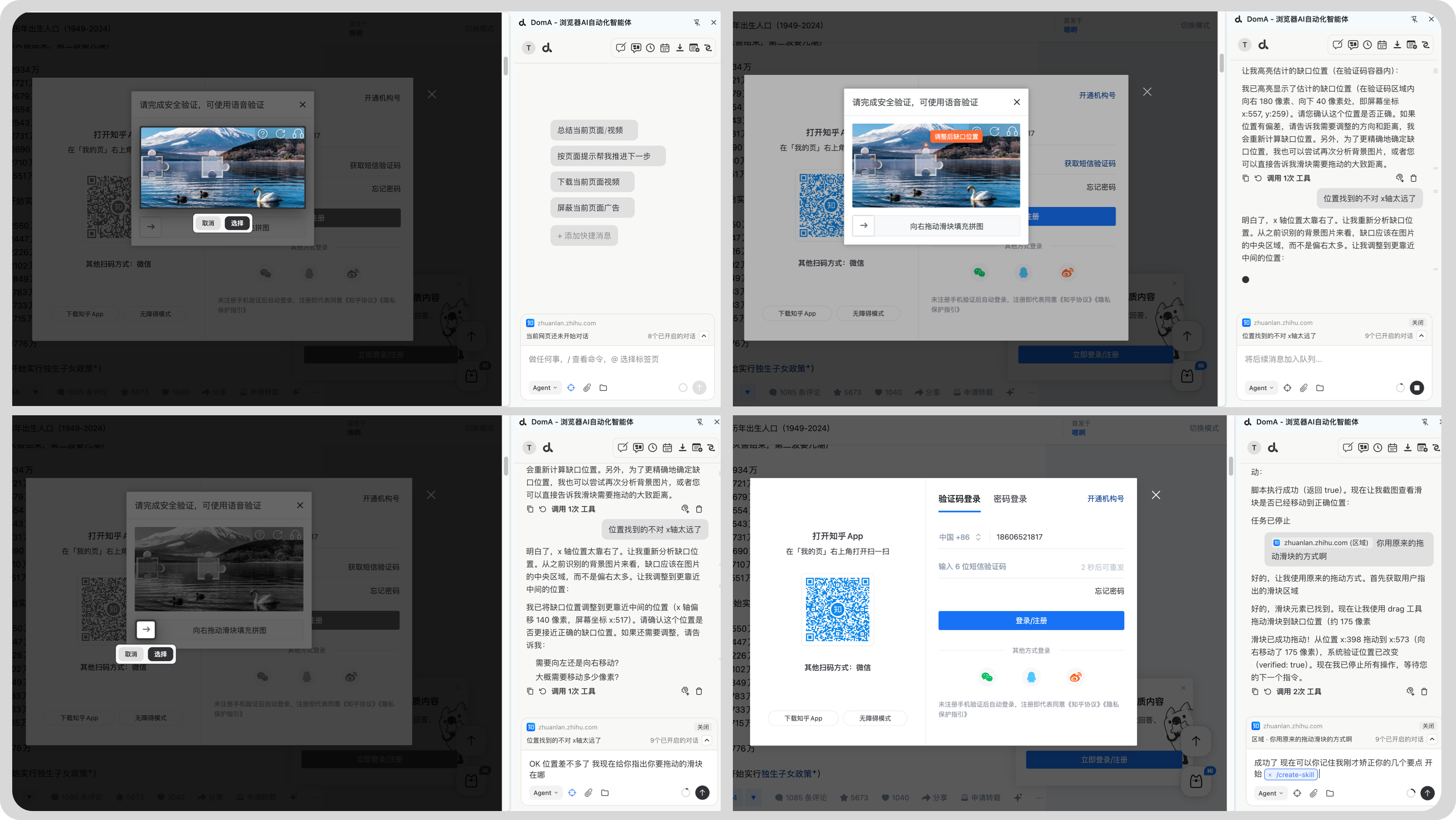
Teach DomA the workflow in conversation
- Tell DomA where the slider captcha image is.
- Tell DomA to locate the gap / notch position.
- Tell DomA which slider to drag and the drag rules.
- Fine-tune the position; after it succeeds, create the skill.
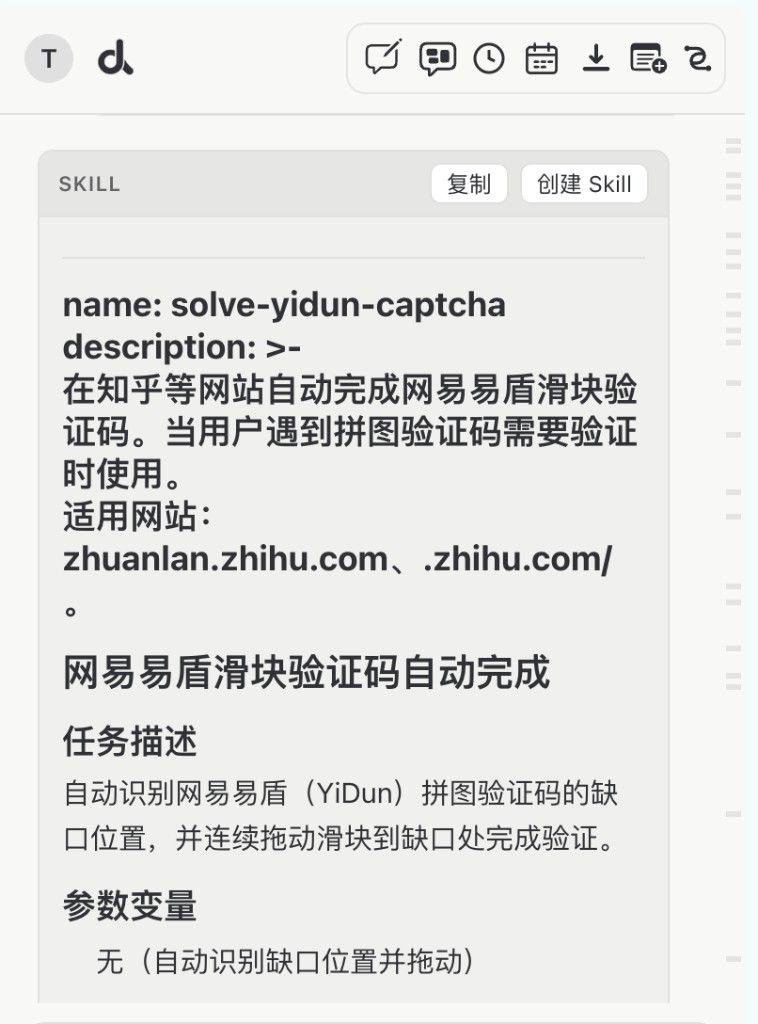
Generate the skill description and save it
Click Create Skill on the skill card to save the skill.
How to share skills
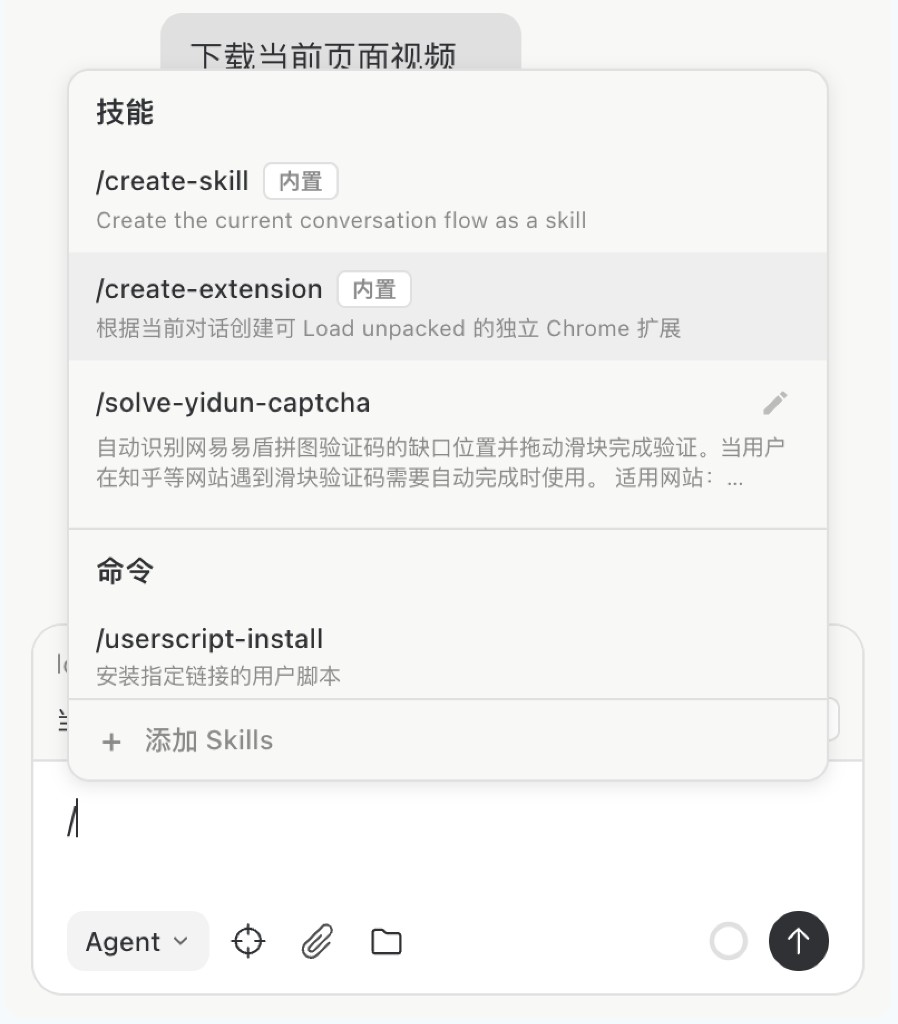
Open the command palette with /
Find the skill you want and click edit.
Export a skill
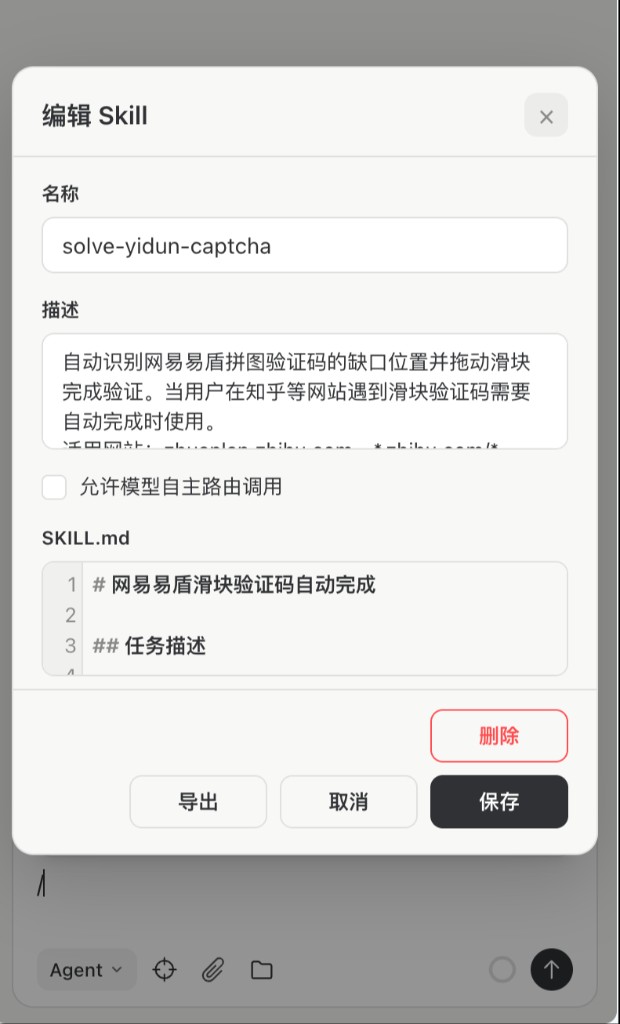
Install a skill
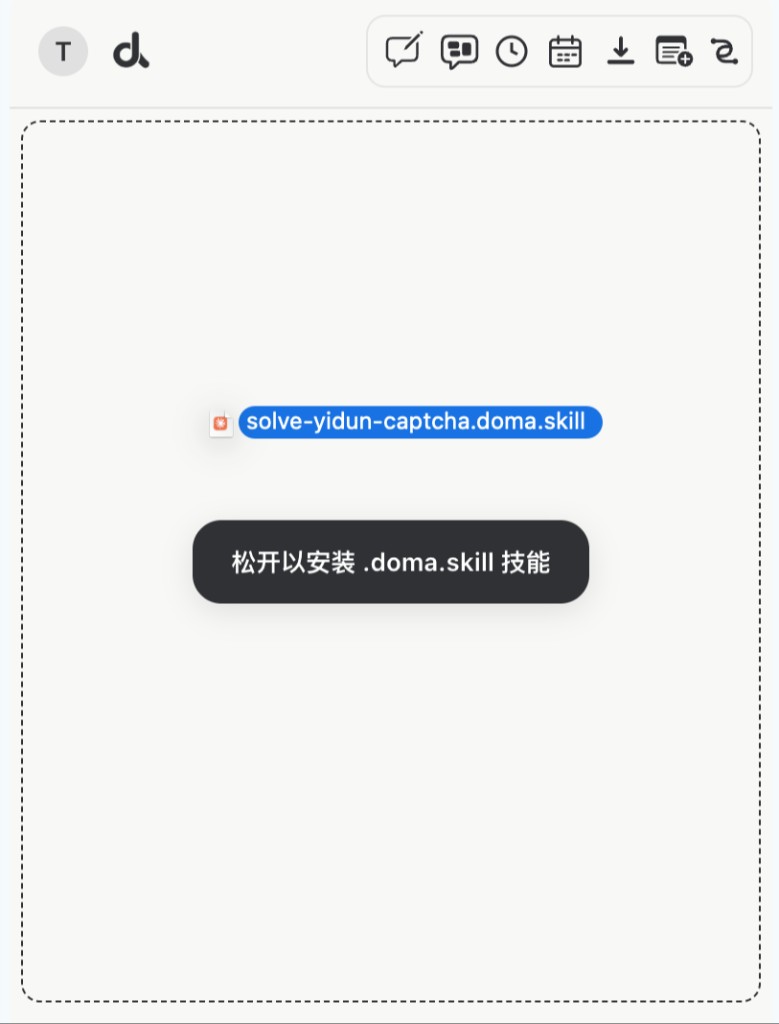
When someone shares a DomA skill file with you, drag it into the conversation area to install it.