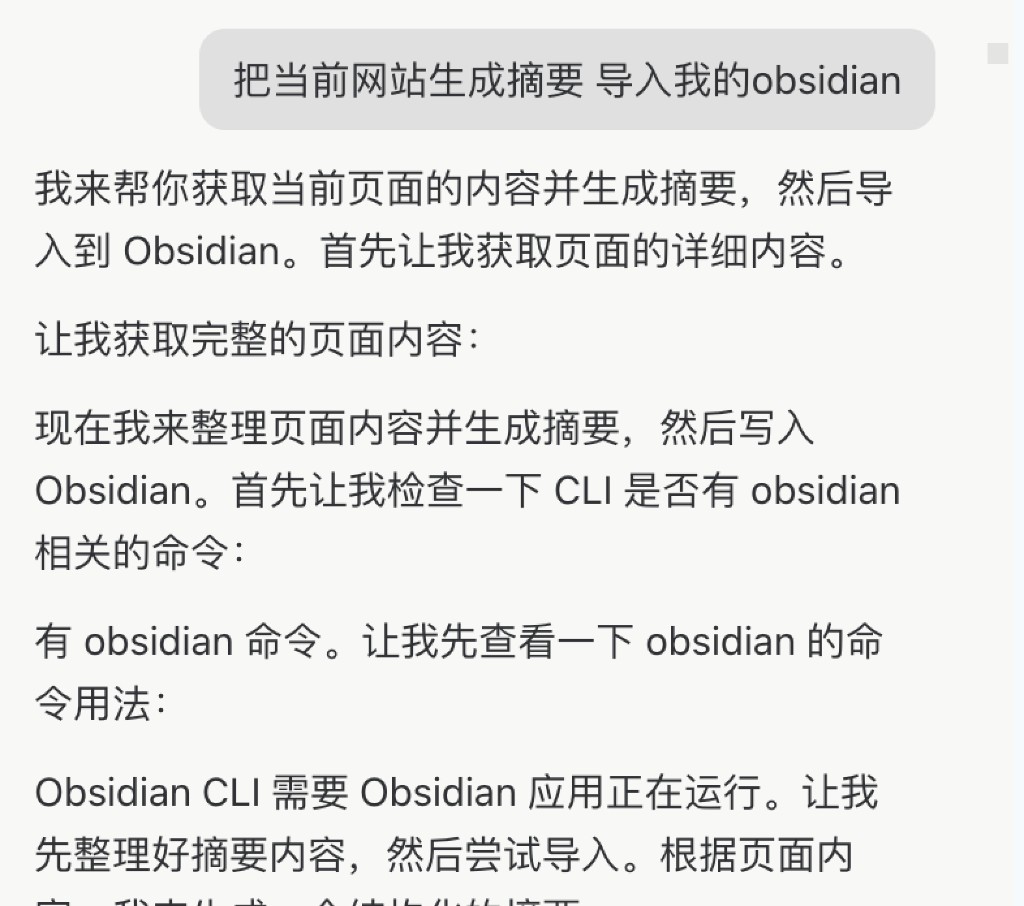
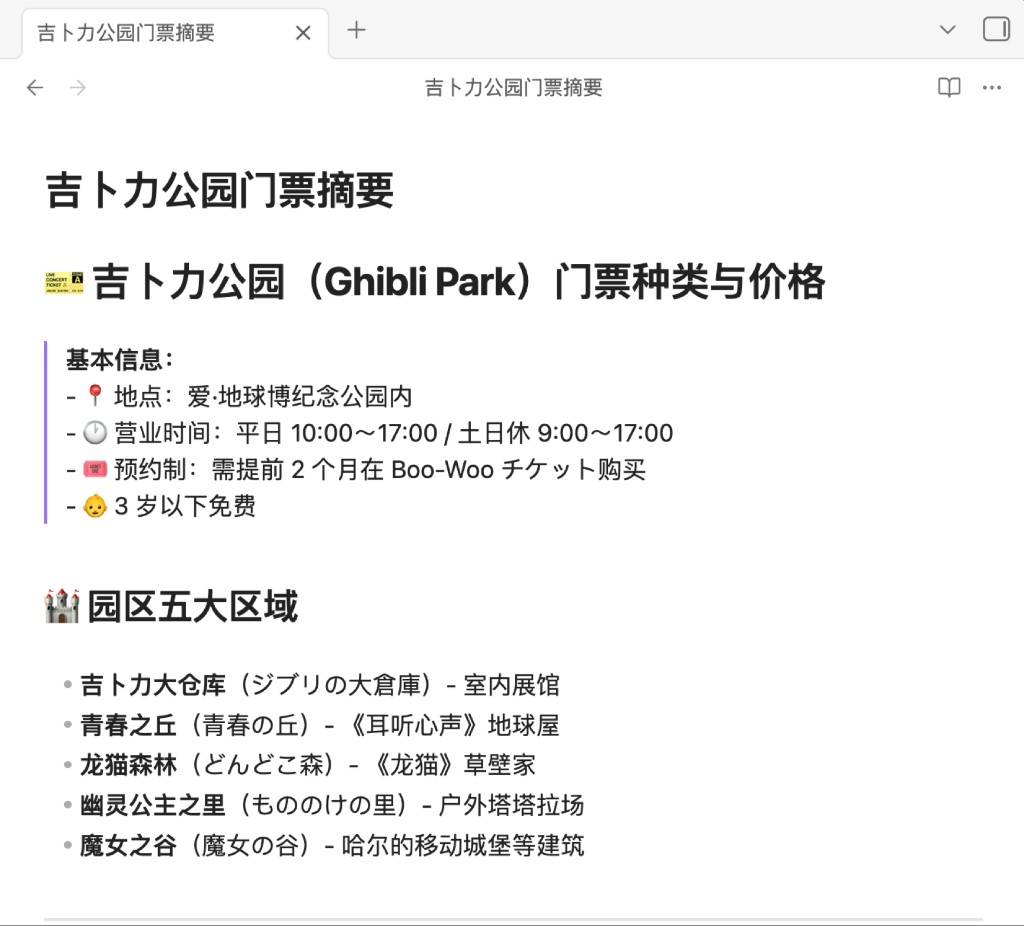
Call other CLIs via CLI Runner
Let DomA invoke other CLI and Shell commands through CLI Runner
After installing the CLI Runner, DomA can call other CLI tools and Shell commands to extend automation workflows.
Install
macOS / Linux
curl -fsSL https://res.stayfork.app/d/install-doma-cli-runner.sh | bashOpen the DomA connector
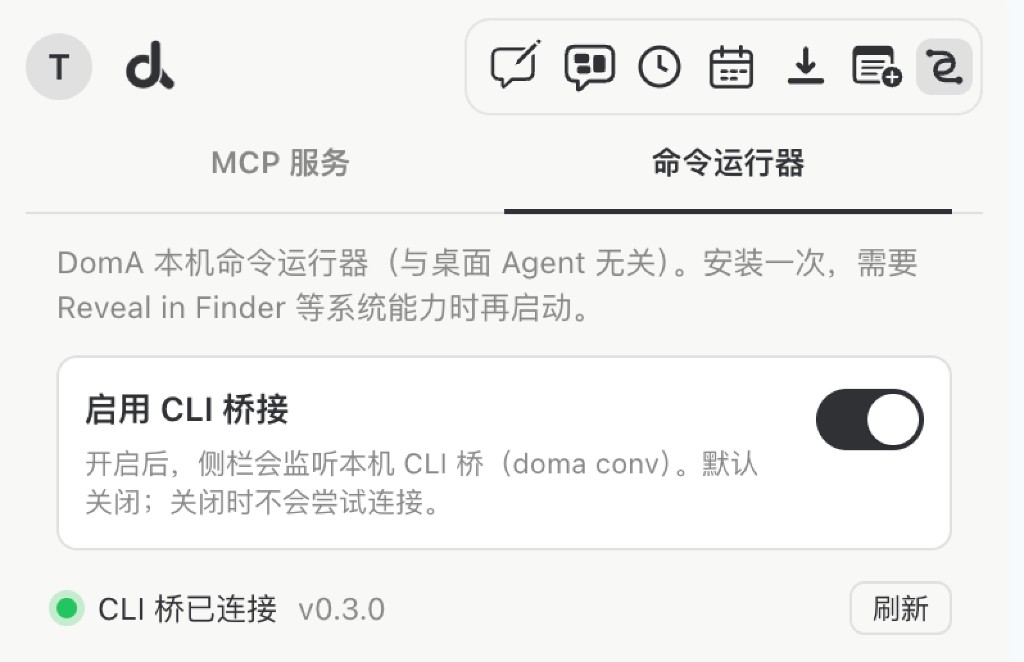
Switch to Command Runner and enable CLI Bridge.
Start DomA CLI Runner in the terminal
~/bin/doma-cli-runner start -dRegister CLIs installed on your machine
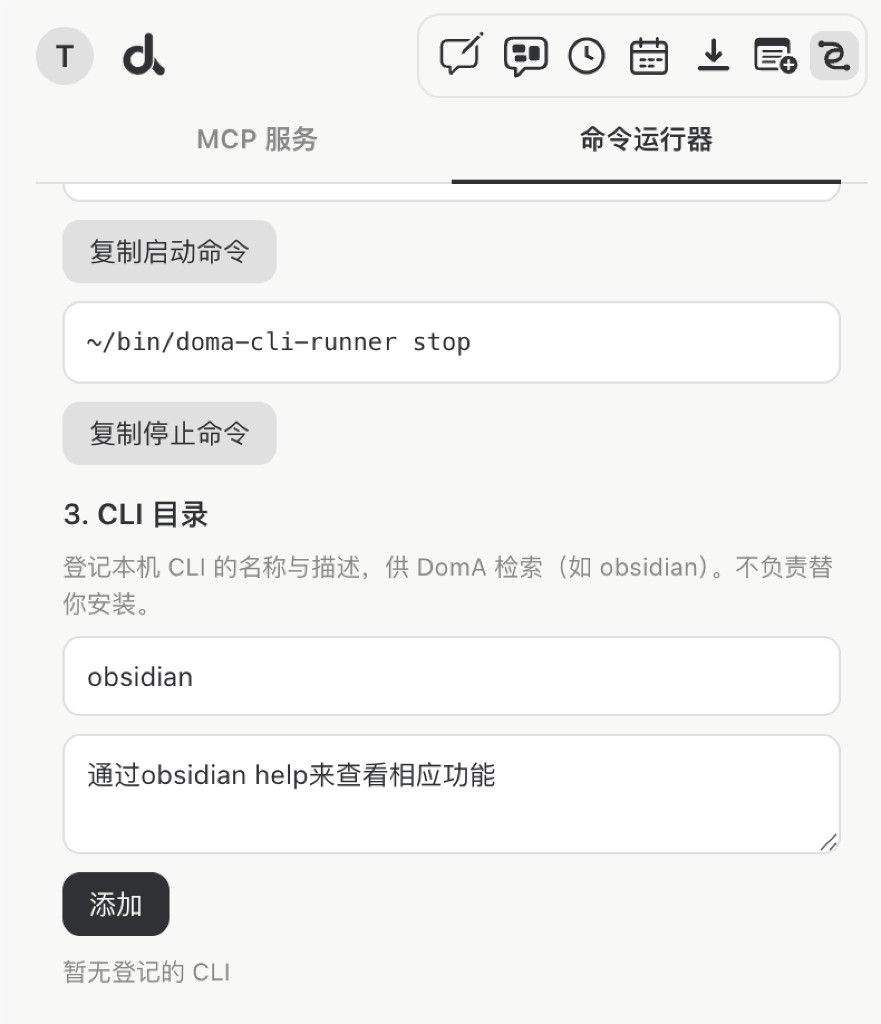
Switch to Command Runner and register your CLI, such as Obsidian.
Tell DomA directly when you want to clip content while browsing