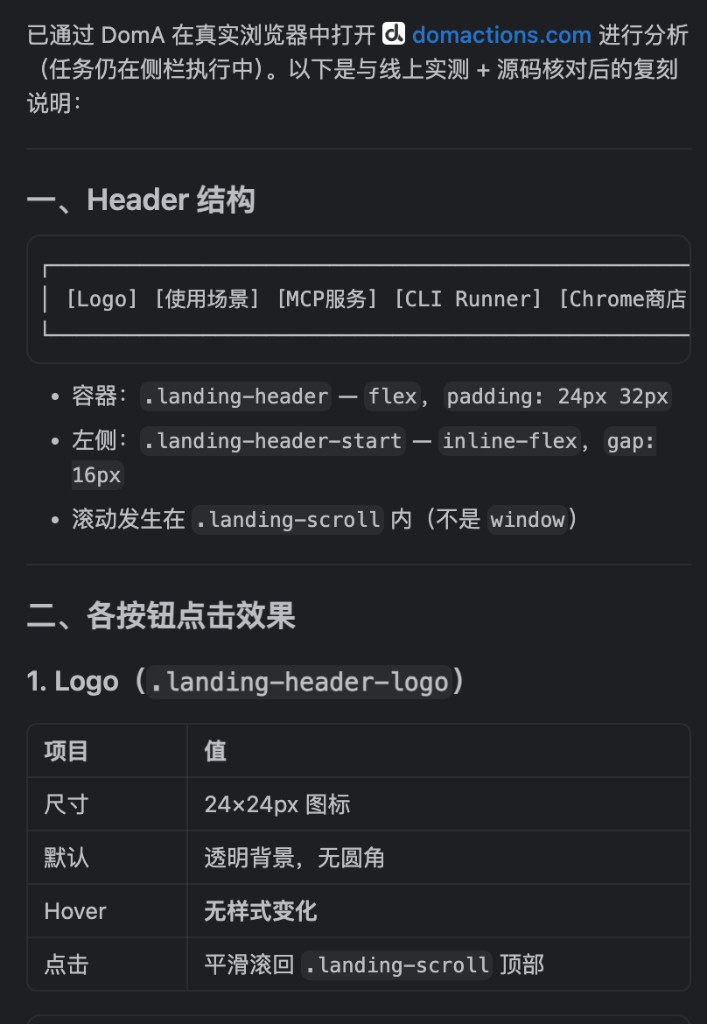
Integrate with other agents via MCP
Install MCP Server so desktop agents can connect to DomA
After installing the DomA extension, install the MCP Server so desktop agents can automate the browser.
Install
macOS / Linux
curl -fsSL https://res.stayfork.app/d/install-doma-mcp.sh | bashOpen the DomA connector
Switch to MCP Server and enable MCP Bridge.
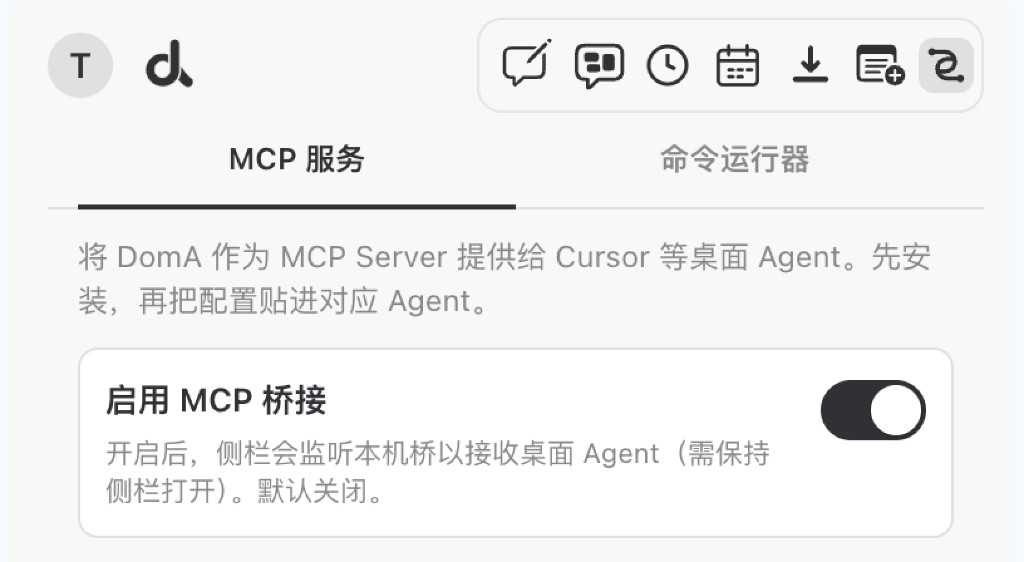
Add the MCP config in your agent
{
  "mcpServers": {
    "DomA": {
      "command": "python3",
      "args": [
        "$HOME/.doma/mcp/doma_mcp_stdio.py"
      ]
    }
  }
}
Integrate with Cursor
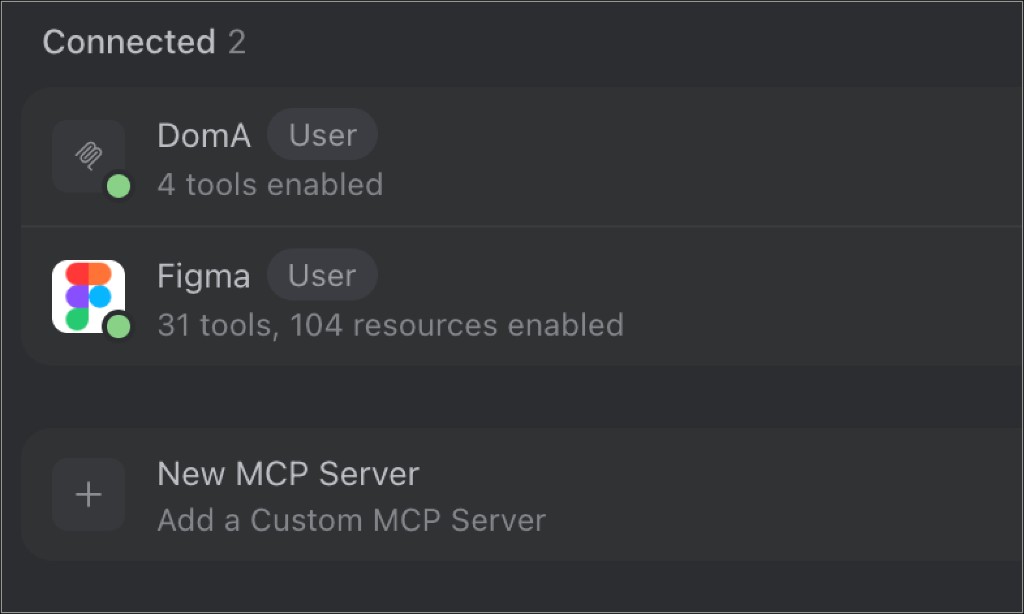
DomA interacts with web pages more effectively, helping you extract information about page interaction states.
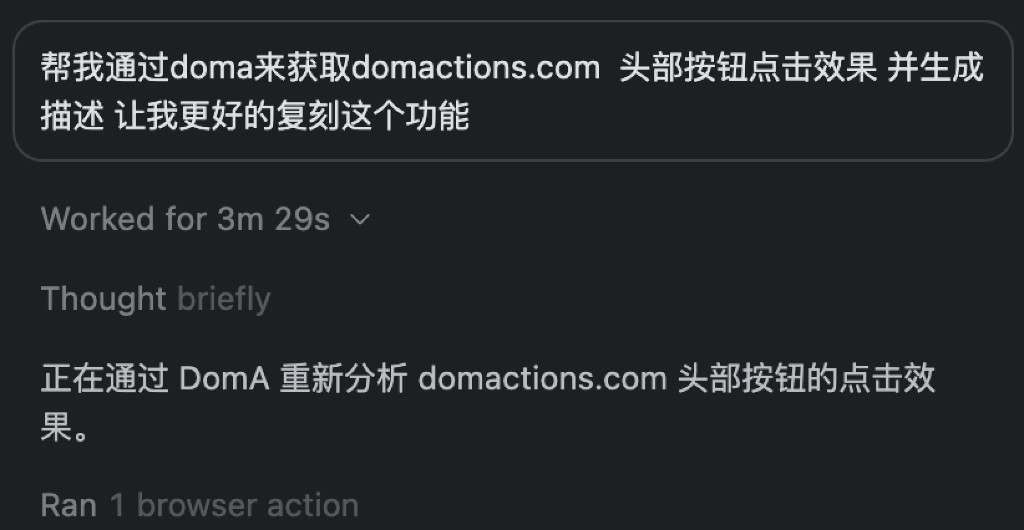
Start working in the browser through DomA.
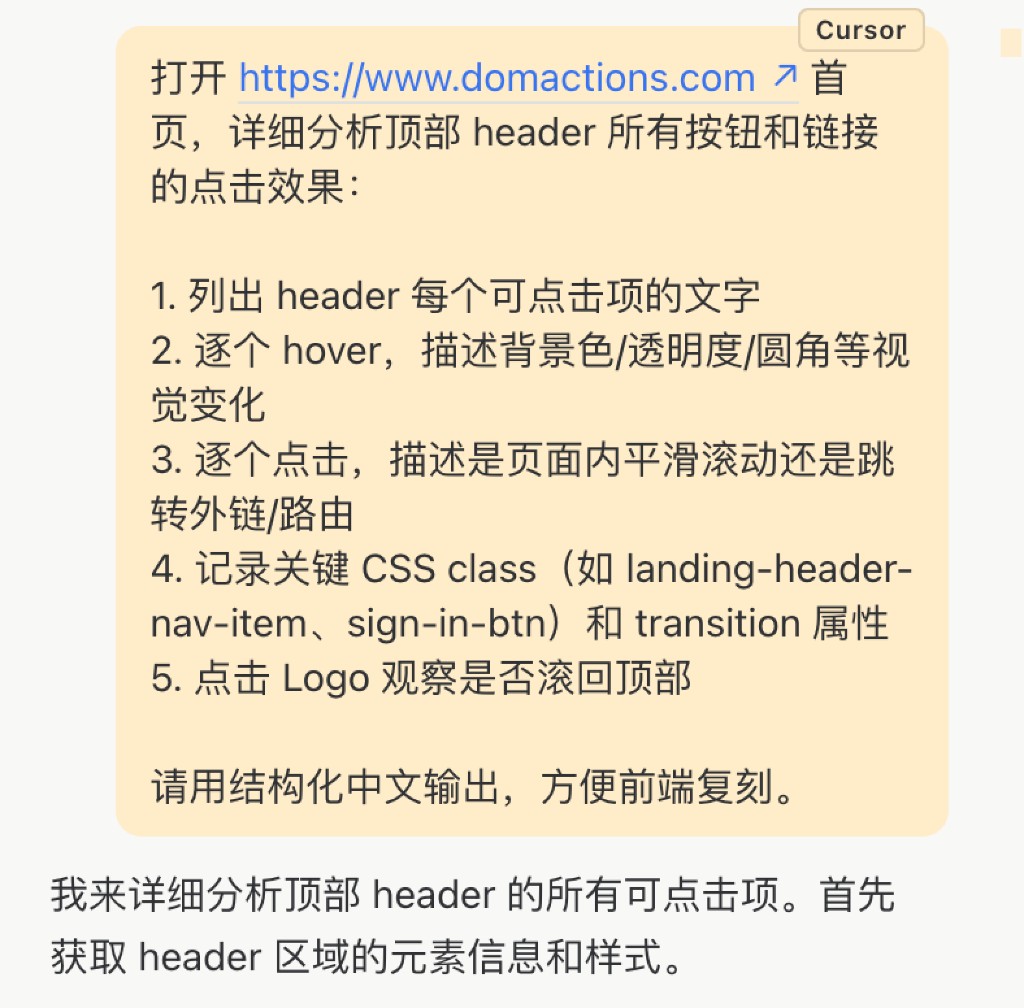
When finished, DomA returns the results to Cursor.