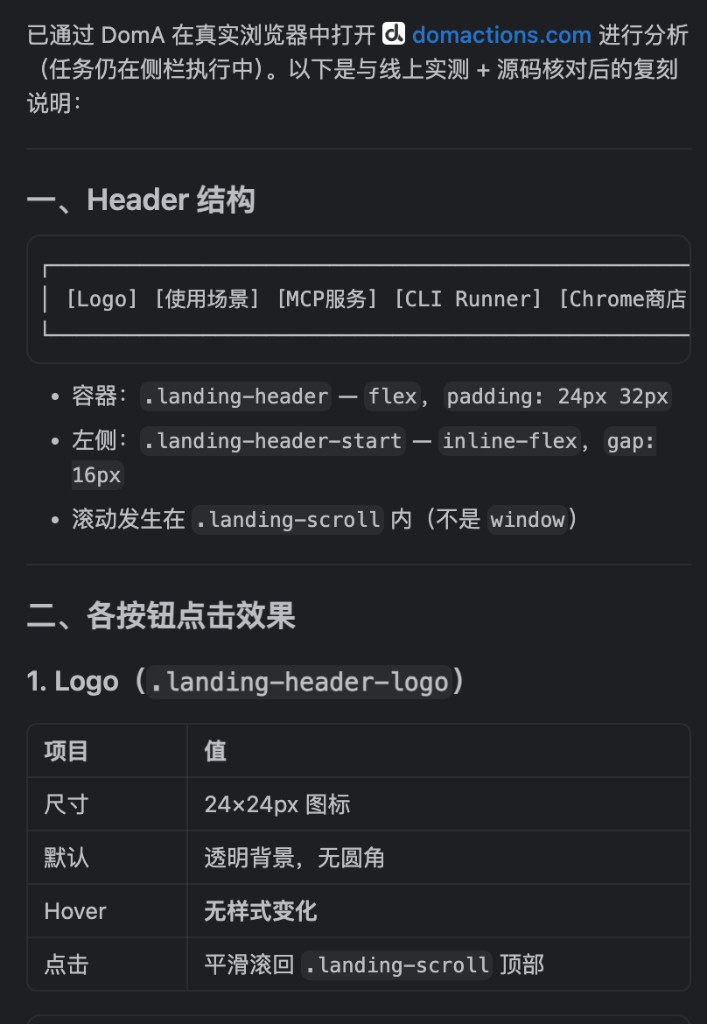
通过MCP集成到其他智能体
安装 MCP Server,让桌面智能体通过 MCP 连接 DomA
安装 DomA 扩展后,继续安装 MCP Server,即可让桌面智能体自动化操作浏览器。
安装
macOS/ Linux
curl -fsSL https://res.stayfork.app/d/install-doma-mcp.sh | bash打开DomA连接器
切换到MCP服务,打开启用MCP桥接
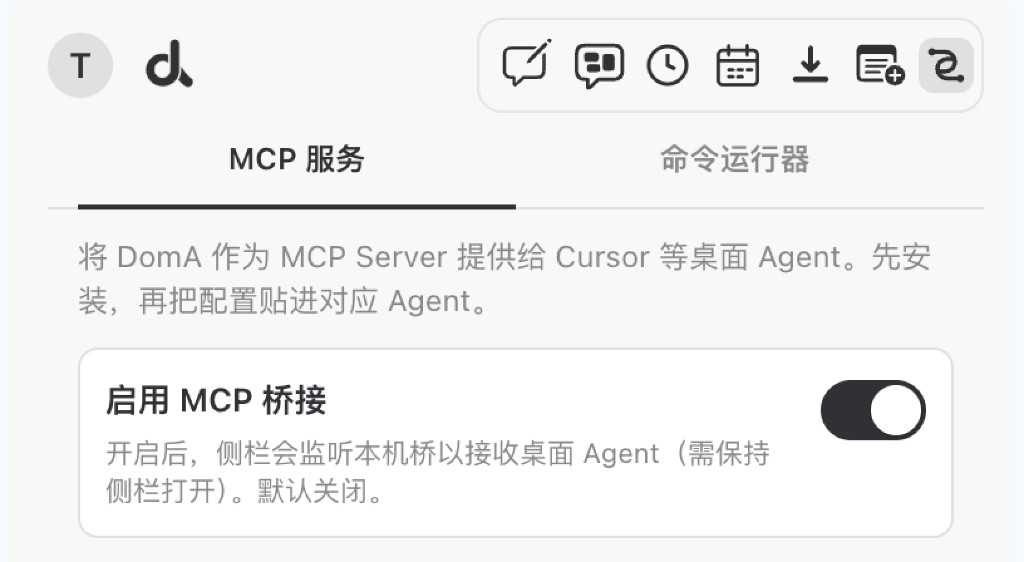
在需要调用DomA的智能体中填写MCP配置
{
  "mcpServers": {
    "DomA": {
      "command": "python3",
      "args": [
        "$HOME/.doma/mcp/doma_mcp_stdio.py"
      ]
    }
  }
}
与Cursor集成
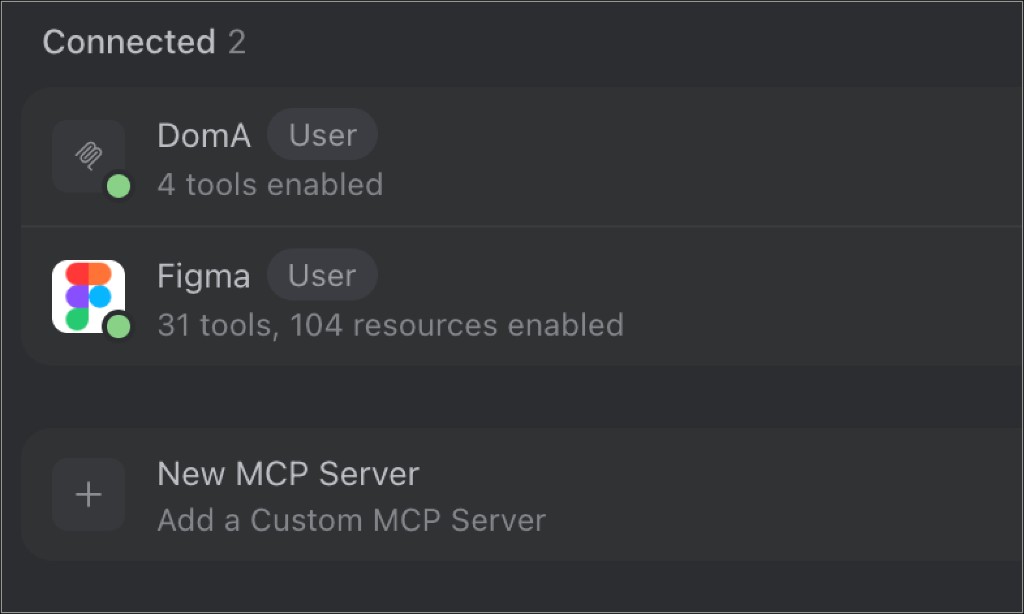
DomA可以更好的与网页交互,帮助你提取网页交互状态的信息
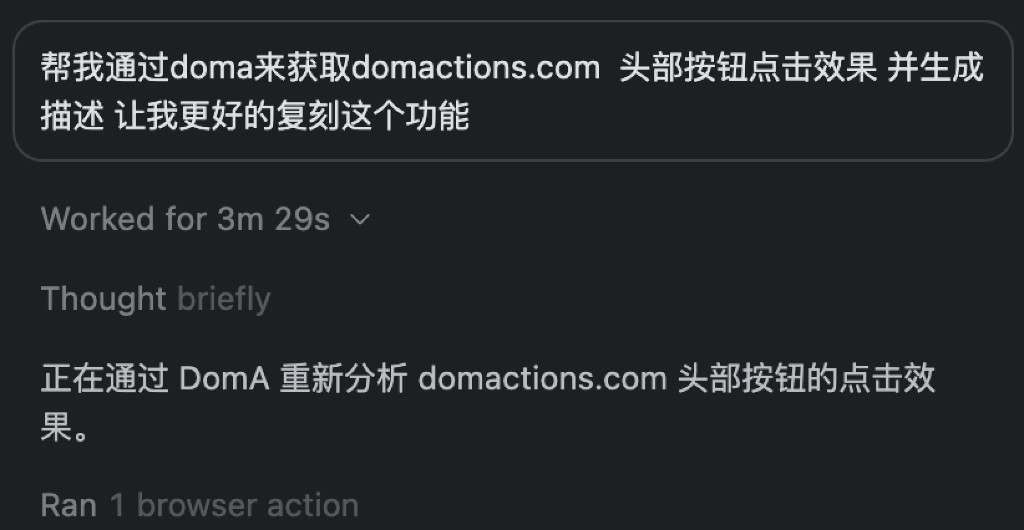
通过DomA在浏览器中开始工作
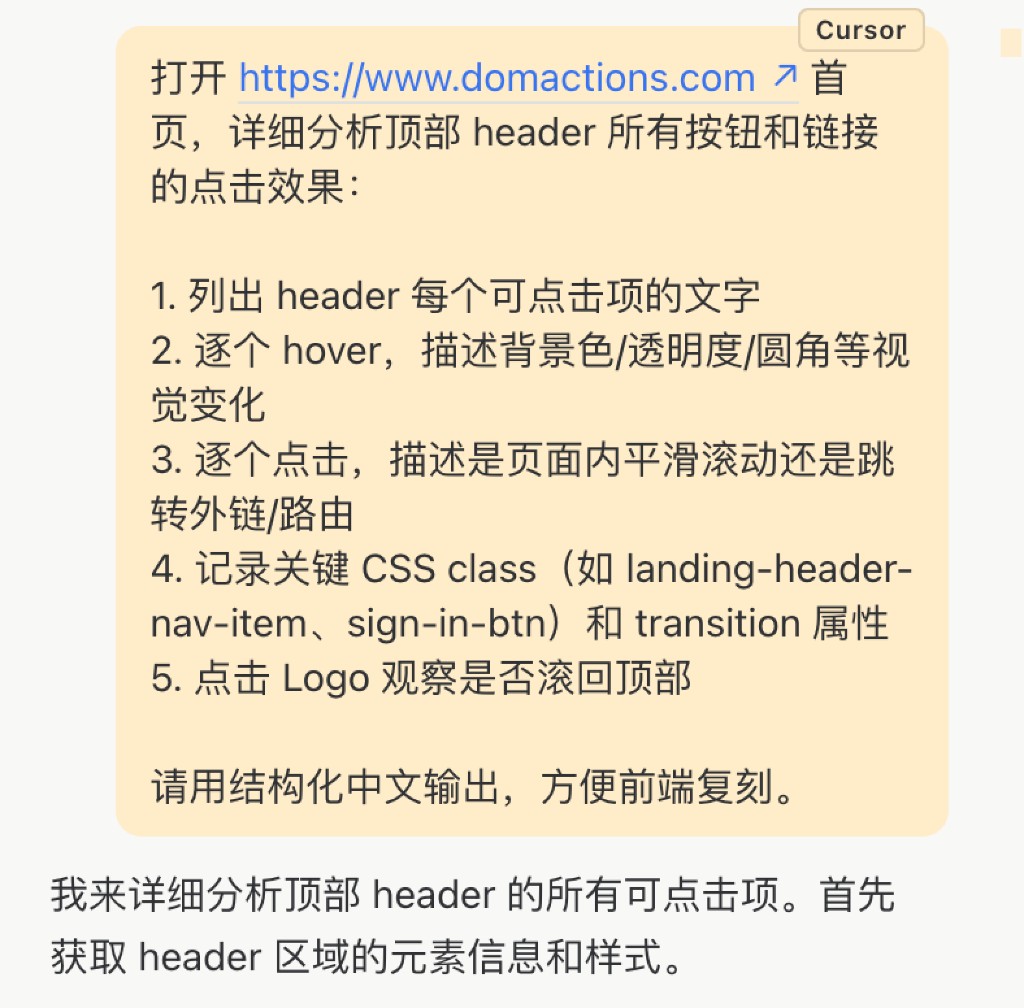
执行完毕,将结果回复给Cursor